Bucko Charts · for TradingView
Custom backgrounds for your TradingView charts.
Add a new background without changing your candles, indicators, or drawings. Every skin, your own images and the community skins are free. All it costs is your email. No ads on your chart.
Free for an email. For TradingView in Chrome. Installs today from a zip, Web Store listing coming.
Now wearing
Tokyo Rain
free skin
Pick a skin. Preview it on the chart.
Drag the line on the chart to see before and after. Try a background below.
How it works
A new background. Your same trading setup.
Try the sliders on the demo chart. The chart never moves, only the thing behind it does.
Keep your setup
Your candles, indicators, and drawings stay in place. The extension only changes the background behind the chart.
Adjust the look
Dim or blur the background to keep your chart easy to read. Both sliders live in the extension popup.
Switch it off
Use the extension controls to go back to a plain chart. Switch it on again and your skin comes back.
Shortcut: Alt + Shift + B
Same two sliders live in the extension popup
Skins and custom backgrounds
40 skins to start. Or use your own image.
Every skin here ships in the extension, and every one unlocks free with your email. Your own picture behind the chart works today.
40 skins in the catalog
Use your own image
Hit "Use my own image" in the extension popup and pick a JPG, PNG, WebP or GIF. It stays on your computer and never gets uploaded. Add as many as you want, free.
Community uploads
A shared library of skins made by traders, with your handle on the tile. Browse them here and wear any of them free. A person at Bucko checks every upload before it goes live. Upload yours from the Workshop.
On the roadmap
Video skins. We will say so here when they are real.
Bucko Grid
Bucko

Tokyo Rain
Bucko
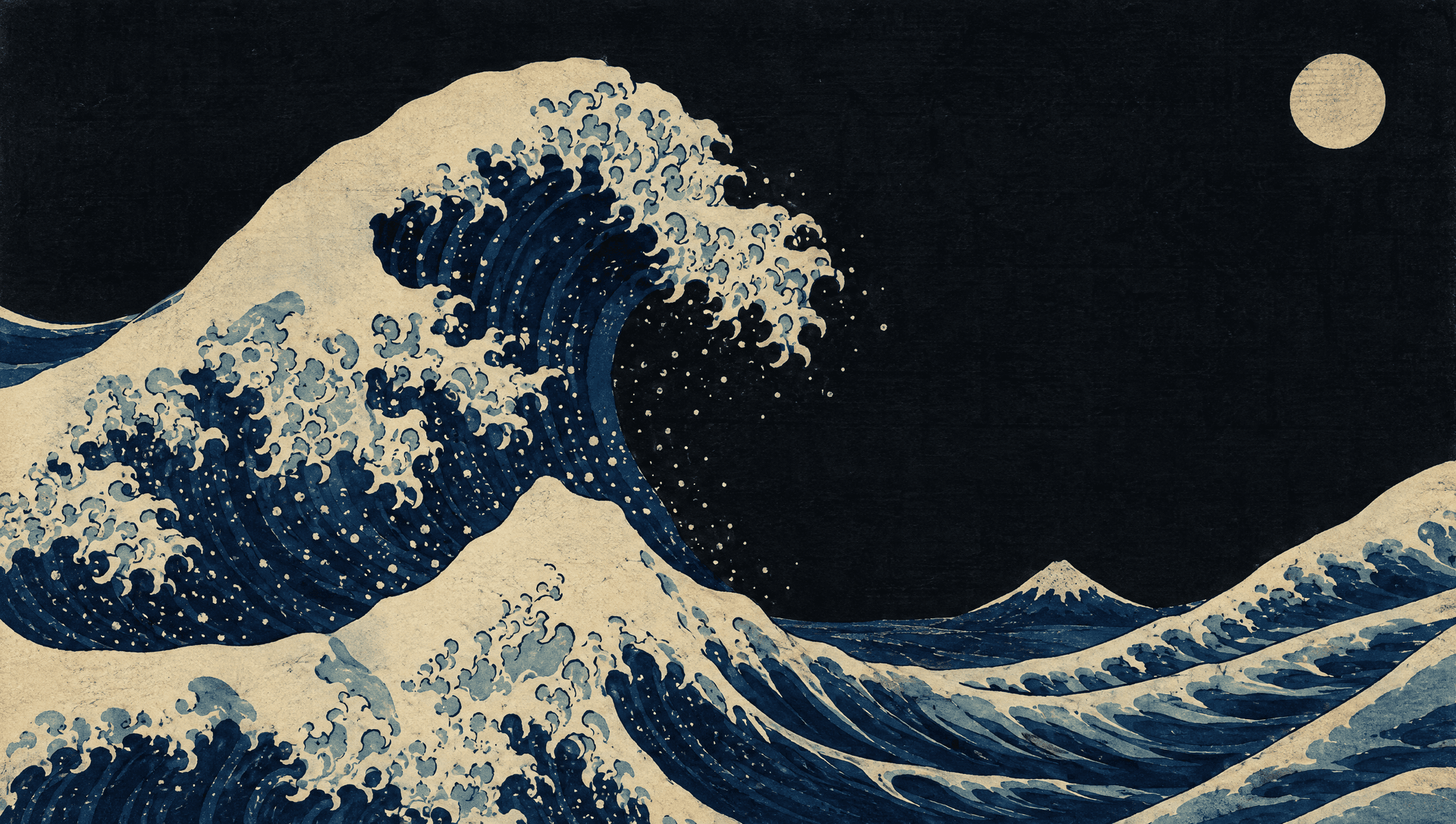
Great Wave
Bucko
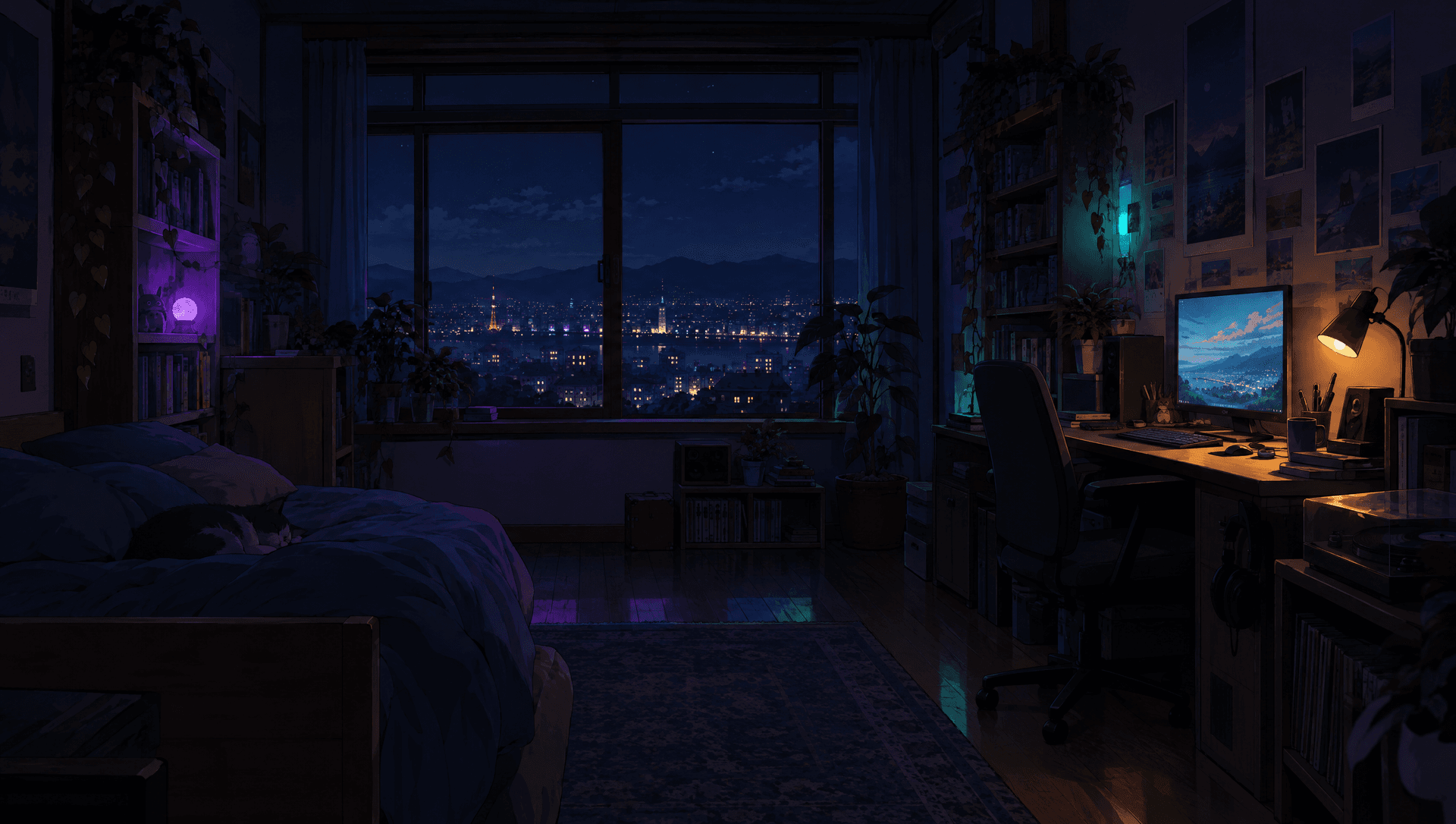
Lo-fi Room
Bucko
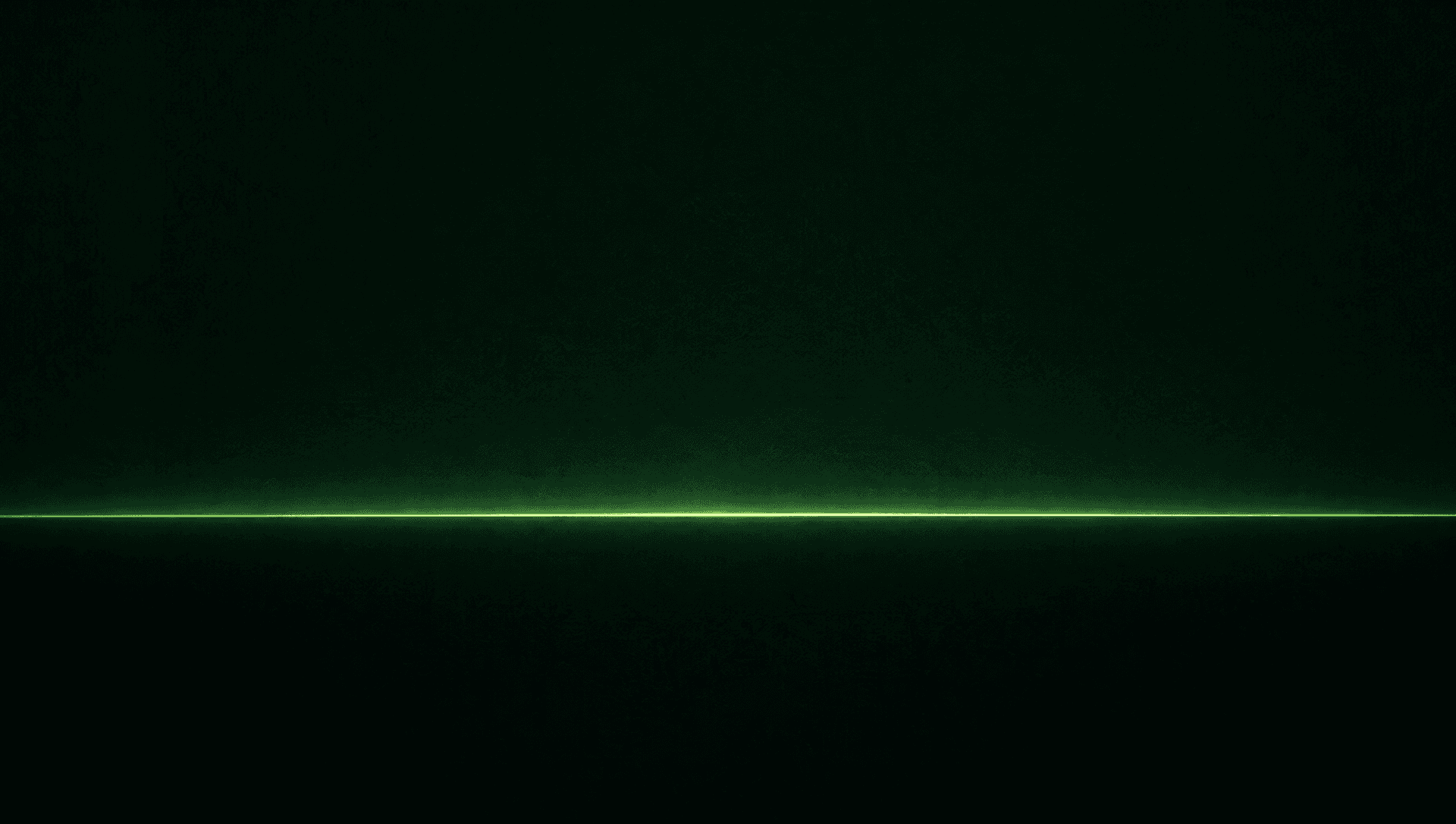
Forest Line
Bucko
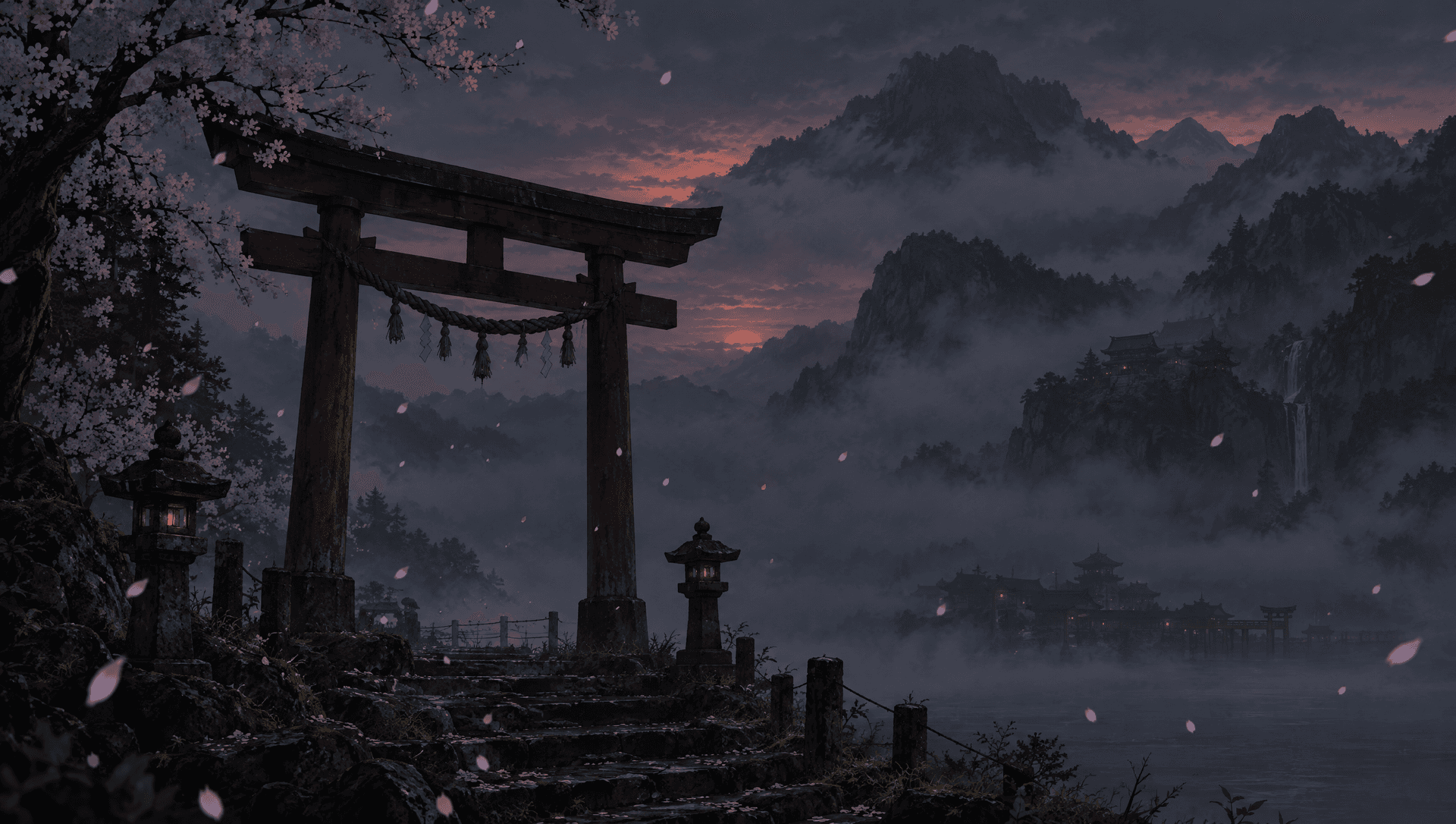
Torii Fog
Bucko

Neon Highway
Bucko
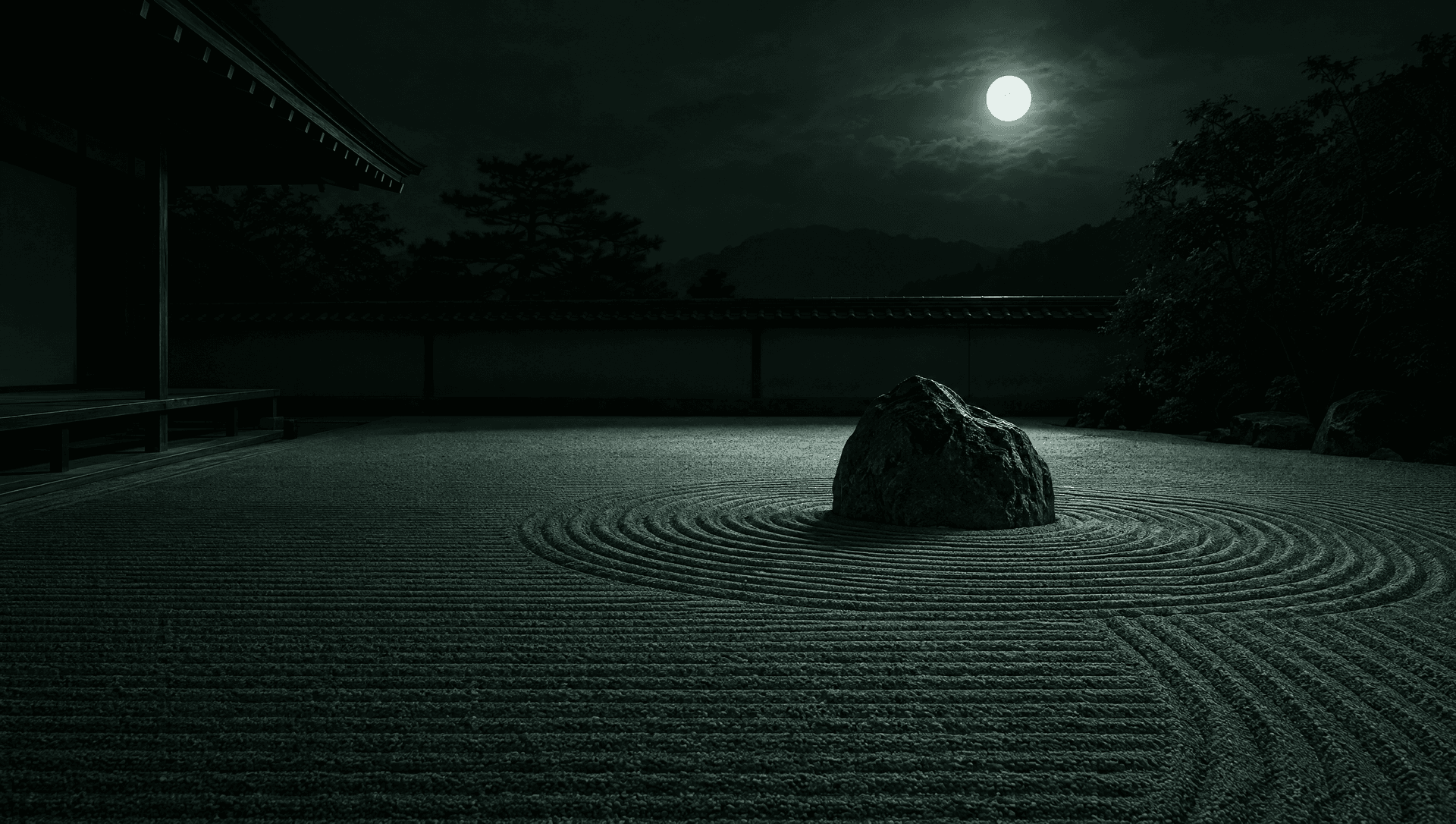
Zen Garden
Bucko

Orbit
Bucko
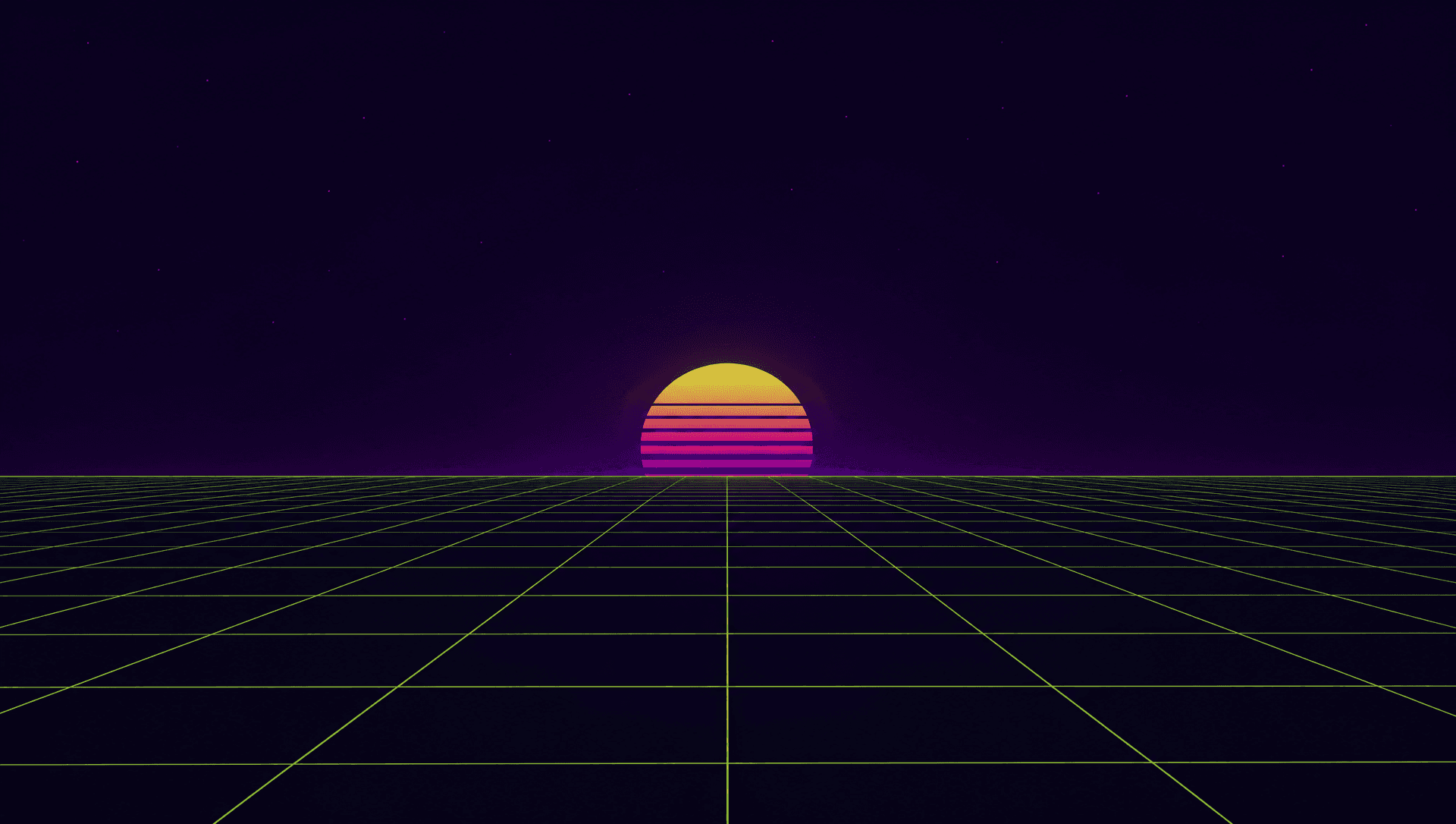
Synthwave
Bucko

Kyoto River
Bucko
Every skin here is free. All it takes is your email.
Creators
WorkshopStream your chart? Make the skin yours.
If your chart is on TikTok Live, YouTube, Twitch or a Discord screen share, your skin is in frame too. Made one you like? Upload it to the Workshop so other traders can find it. A person at Bucko checks every upload before it goes live.
Approved skins show your handle in the community library. Browsing is open to everyone, and wearing community skins is free once you unlock.
Your chart, your skin, on stream.
Neon Highway · on stream · example
Pricing
Free. For real.
Every skin, your own images and the community cost nothing. You give us your email, we send you new skins, drops and Bucko news. That is the whole deal.
Bucko Charts
Free$0forever, for an email
- Every skin in the catalog, all 40
- Unlimited images of your own
- Every community skin, free to wear
- Upload your own skins to the Workshop
- Dim it, blur it, or hit Alt + Shift + B to turn it off
No card, no trial, nothing to cancel. Unsubscribe from the emails anytime.
Want more Bucko?
MembershipsBucko Charts is the free part. Bucko memberships are the rest of Bucko: Investor for long-term research, Super for active-trading tools, and Omni for a connected trading operation.
You do not need one for Bucko Charts. Every skin stays free either way.
Your candles, indicators and drawings stay exactly as they are. No ads on your chart. Not affiliated with TradingView.
FAQ
Questions before you start?
The short answers. Got one that is not here? Ask in the Discord or catch the next stream.
Is it really free?
Yes. Every skin in the catalog, unlimited images of your own and every community skin are free. No card, no trial, nothing to cancel. Type your email at bucko.ai/skins/start and everything unlocks right away.
Why do you want my email?
That is the trade. Your email unlocks the extension, and it lets Bucko send you new skins, drops and Bucko news. You sign up on bucko.ai, never inside the extension. We do not sell your email or hand it to ad networks.
How do I unsubscribe?
Every email from Bucko has an unsubscribe link. One click and the emails stop. Your skins stay unlocked either way, unsubscribing never turns the extension off.
What is the catch?
Two things. Bucko emails you, and the extension popup can show a small "From Bucko" card about Bucko's own stuff. That is it. Never ads on your chart, never sponsor content, and nothing it draws on your chart is a link.
What does the extension actually change?
Only the background behind your TradingView chart. Candles, wicks, drawings, Pine scripts and indicators look exactly like they did before. Dim or blur the background in the popup, or press Alt + Shift + B for a plain chart.
Can I install it now?
Yes. Unlock free skins with your email and your install page opens with a zip. Unzip it, open chrome://extensions, turn on Developer mode, click Load unpacked and pick the folder. Open your install page again and everything unlocks on its own. The Chrome Web Store listing is coming and replaces the zip once it is live.
What does it work on?
TradingView in Chrome on a computer. TopstepX, the other ProjectX web platforms and NinjaTrader Web are on the roadmap. Desktop apps and mobile are not.
Can I use my own image?
Yes, as many as you want. "Use my own image" in the popup takes a JPG, PNG, WebP or GIF up to 8 MB. It stays on your computer and never gets uploaded. You can also share a skin with everyone through the Workshop at bucko.ai/skins/workshop/upload. A person checks every upload before it goes live.
Does it read my trades?
Never. Orders, positions, balances, broker, account. All off limits, in the code and in the rules. It does not read the symbol or timeframe on your chart either. On TradingView it only finds the chart area, so the skin can sit behind it. The full list of what it sees is on the privacy page.
Is this allowed on TradingView?
Bucko Charts changes how the chart background looks in your own browser, same as any other skin extension. We are not affiliated with TradingView, Topstep or NinjaTrader, and we never mess with their products or their ads.
Get the extension
Get Bucko Charts free, today.
Every skin, your own images and the community, for an email. Type it once and everything unlocks. It installs today from a zip in Chrome with Developer mode on, and the Chrome Web Store listing is coming.
No card. Takes about ten seconds. Unsubscribe from Bucko emails anytime.